
Annotate web pages with bug reports, requests, and feedback
Mark up your site, take screenshots, and add comments with our website annotation tool.
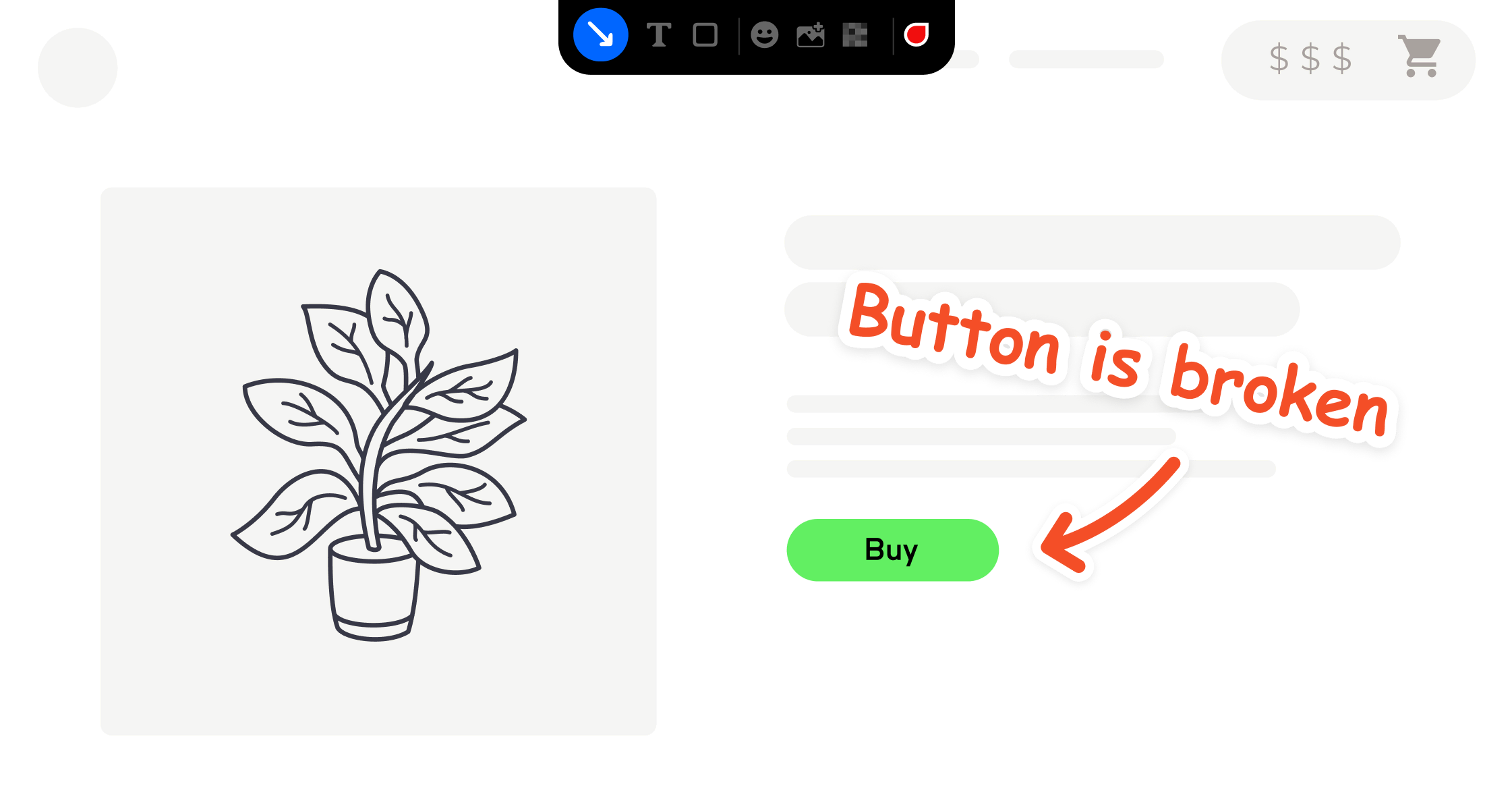






Annotation tool features
Our website annotation tool improves the feedback process for web development and management teams.
Take screenshots
Snap and share screenshots of your website easily.
Highlight page elements
Draw attention to text, images, and other parts of the page.
Leave comments
Provide feedback on a live website in just a few clicks.

“Clients used to send us emails, documents, spreadsheets and even powerpoints for feedback. Now we just use Marker.io.”
Provide contextual feedback
With Marker.io, your website feedback is always visual feedback. Our annotation tools let users start annotating via a feedback widget, browser extension, or simple javascript snippet.
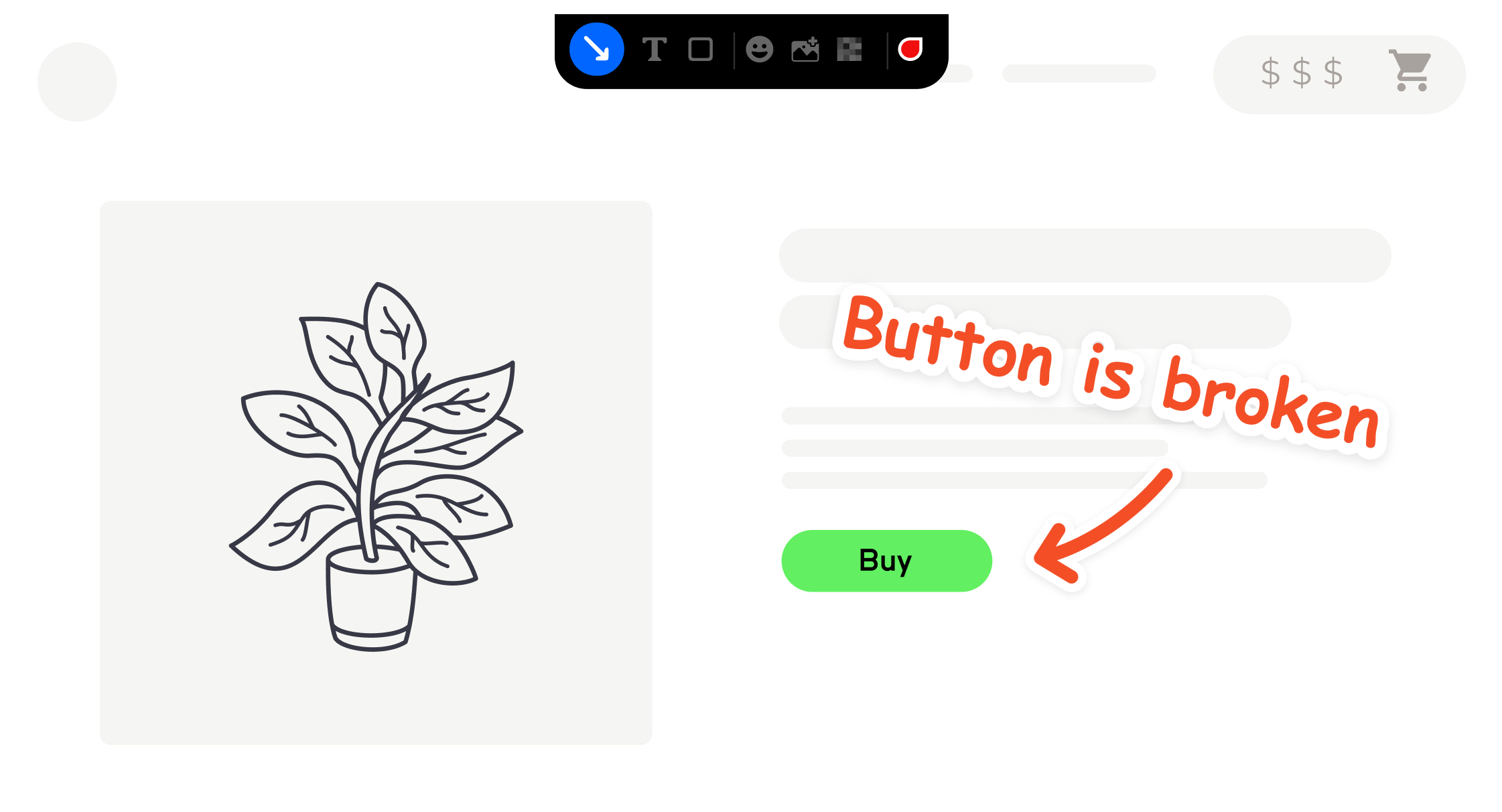
Capture screenshots automatically
Click the button and Marker.io automatically captures a screenshot. Add annotations using tools like arrows, shapes, and text to pinpoint the exact problem. You can also record and mark up videos with the Session Replay feature.
Simplify collaboration
Streamline your website feedback process with smart annotations and detailed information that help your team review live sites. Provide access to clients, without giving them access to your platform, thanks to our collaboration features.
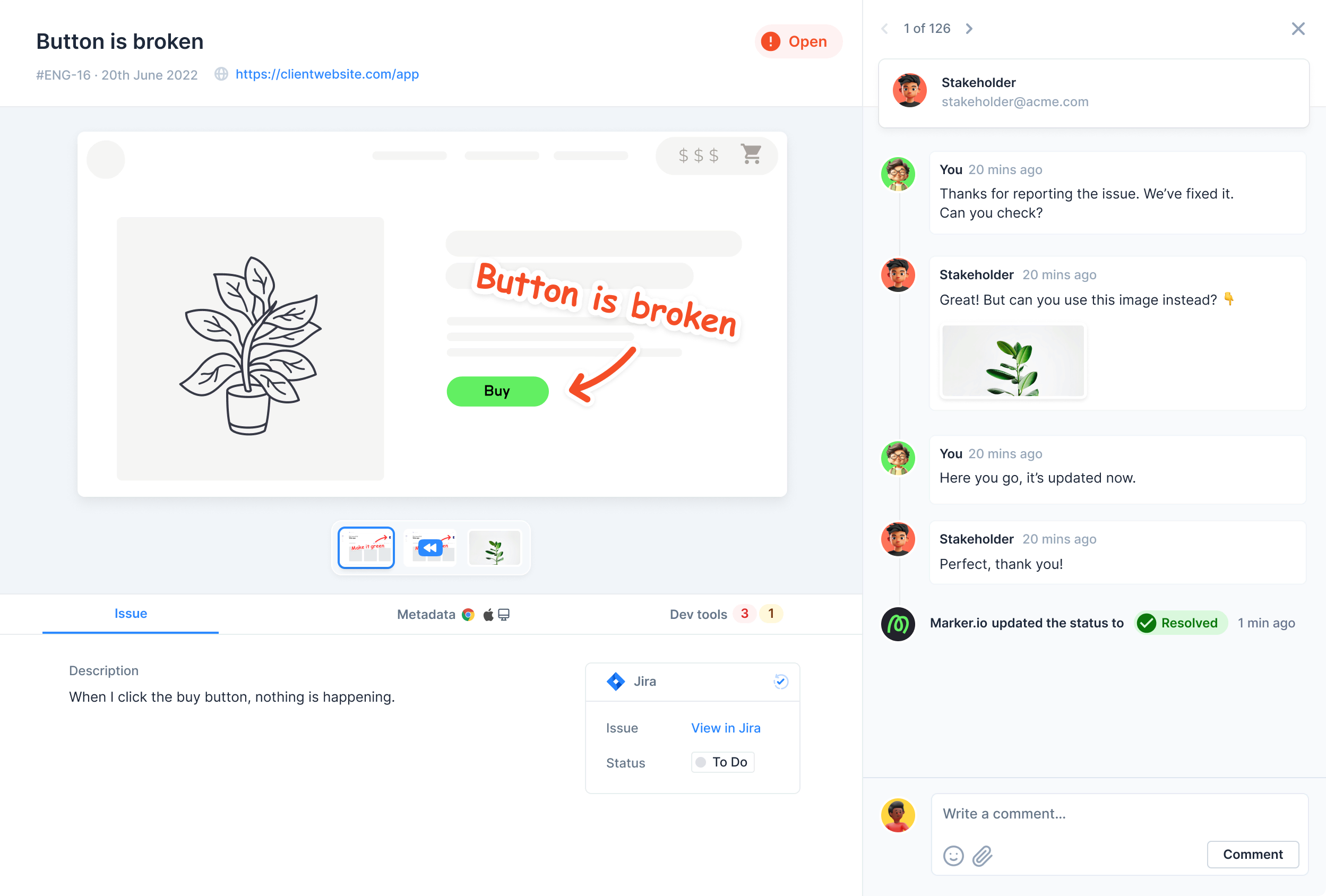
Annotate all your sites
Capture and annotate screenshots across your live sites, staging or UAT environments, and web pages in production, so you can maintain a consistent, professional online presence.
Connect your favorite tools
Sync our website annotator with your project management tools to have all your comments and annotation details in your developer team’s kanban board so every project skateholder is aligned from first screenshot to final page.
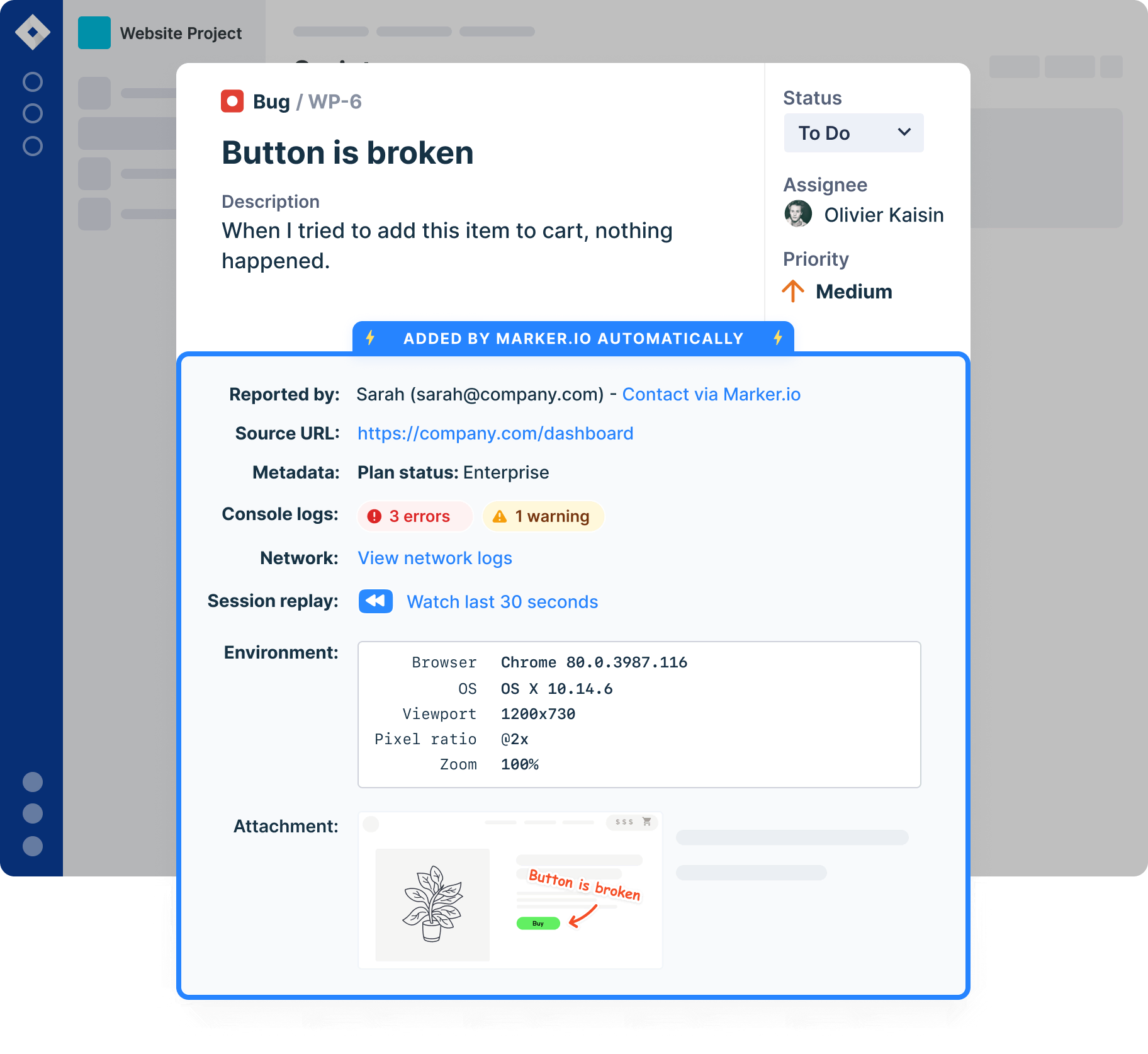
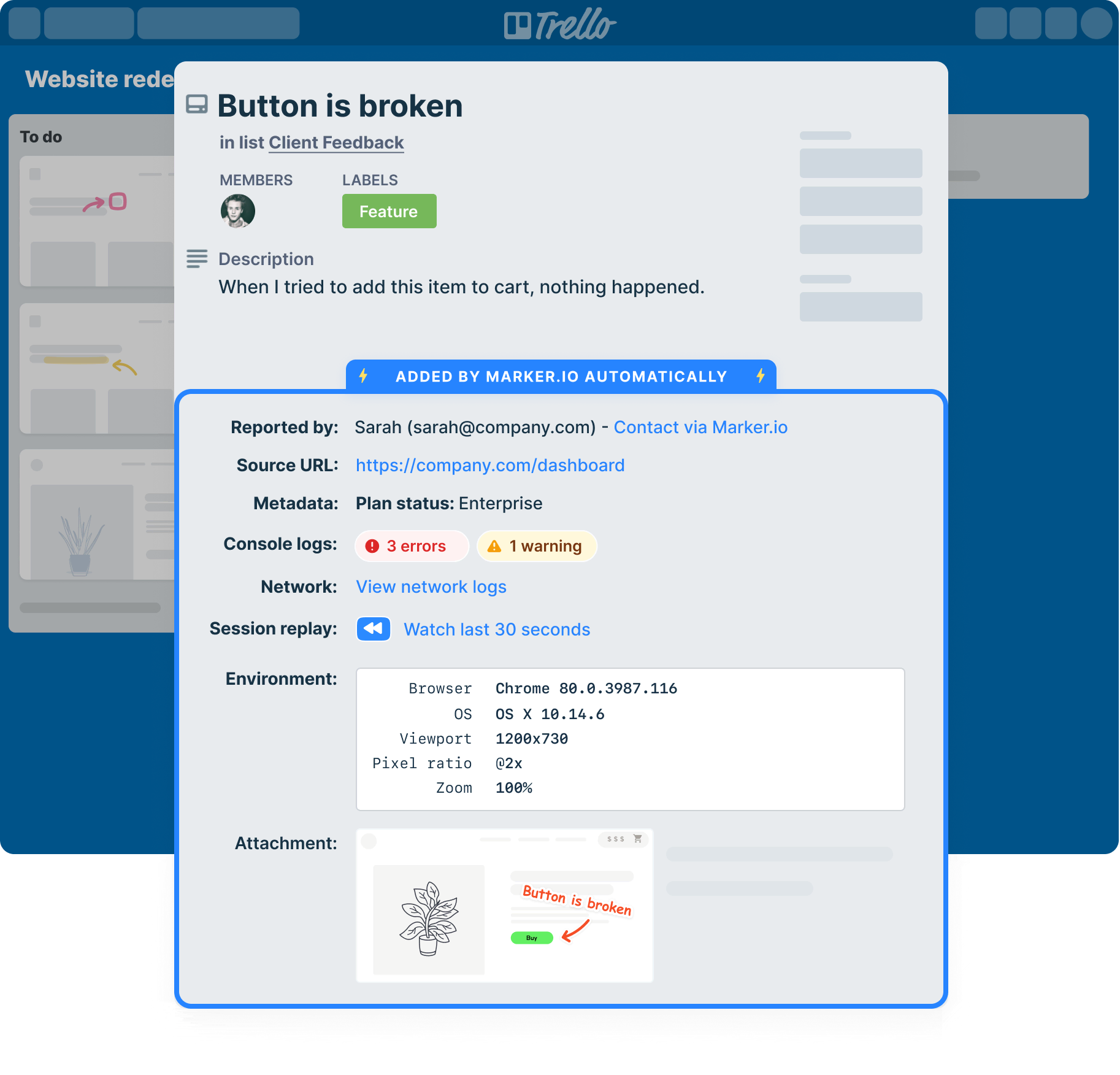
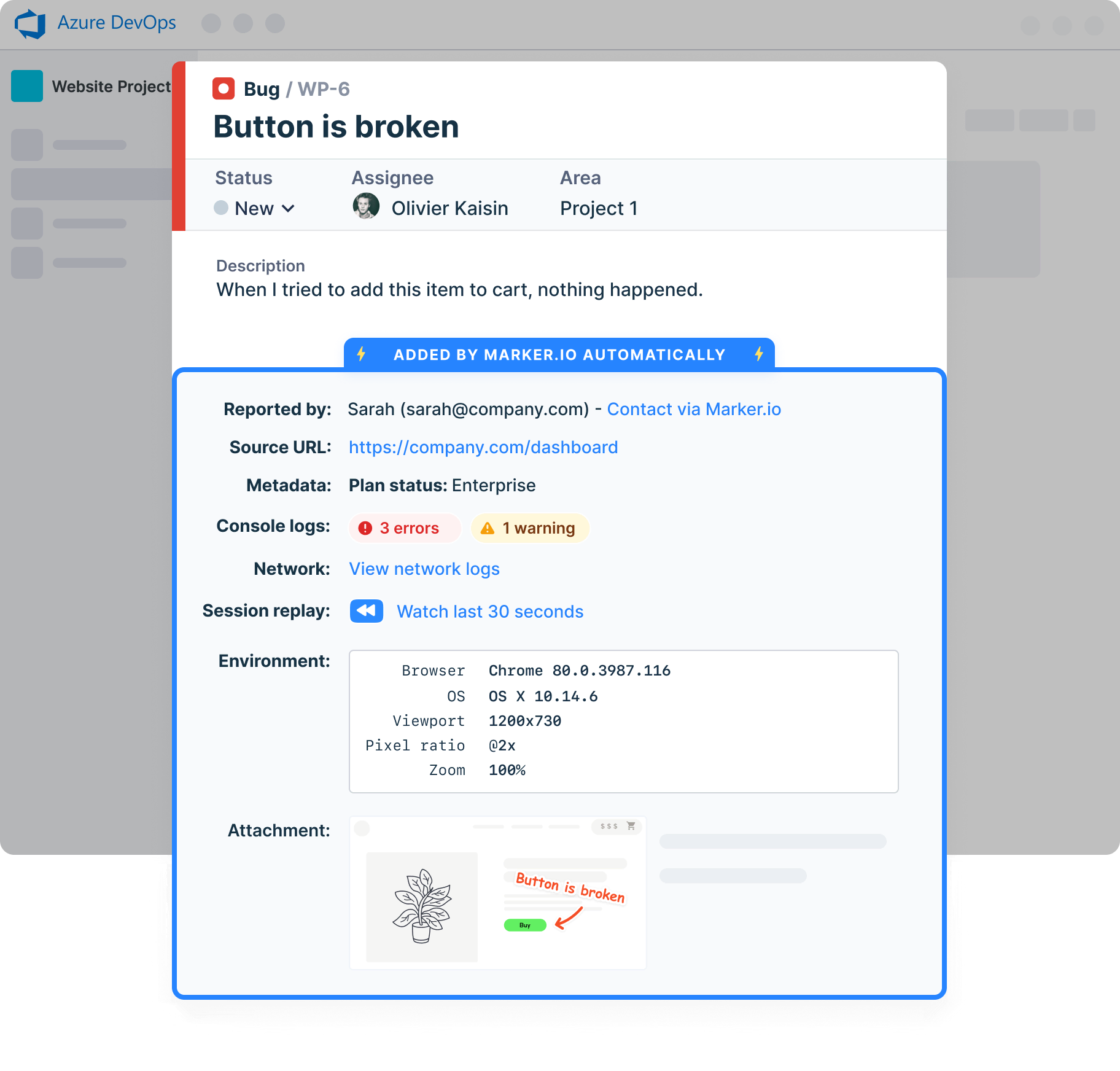
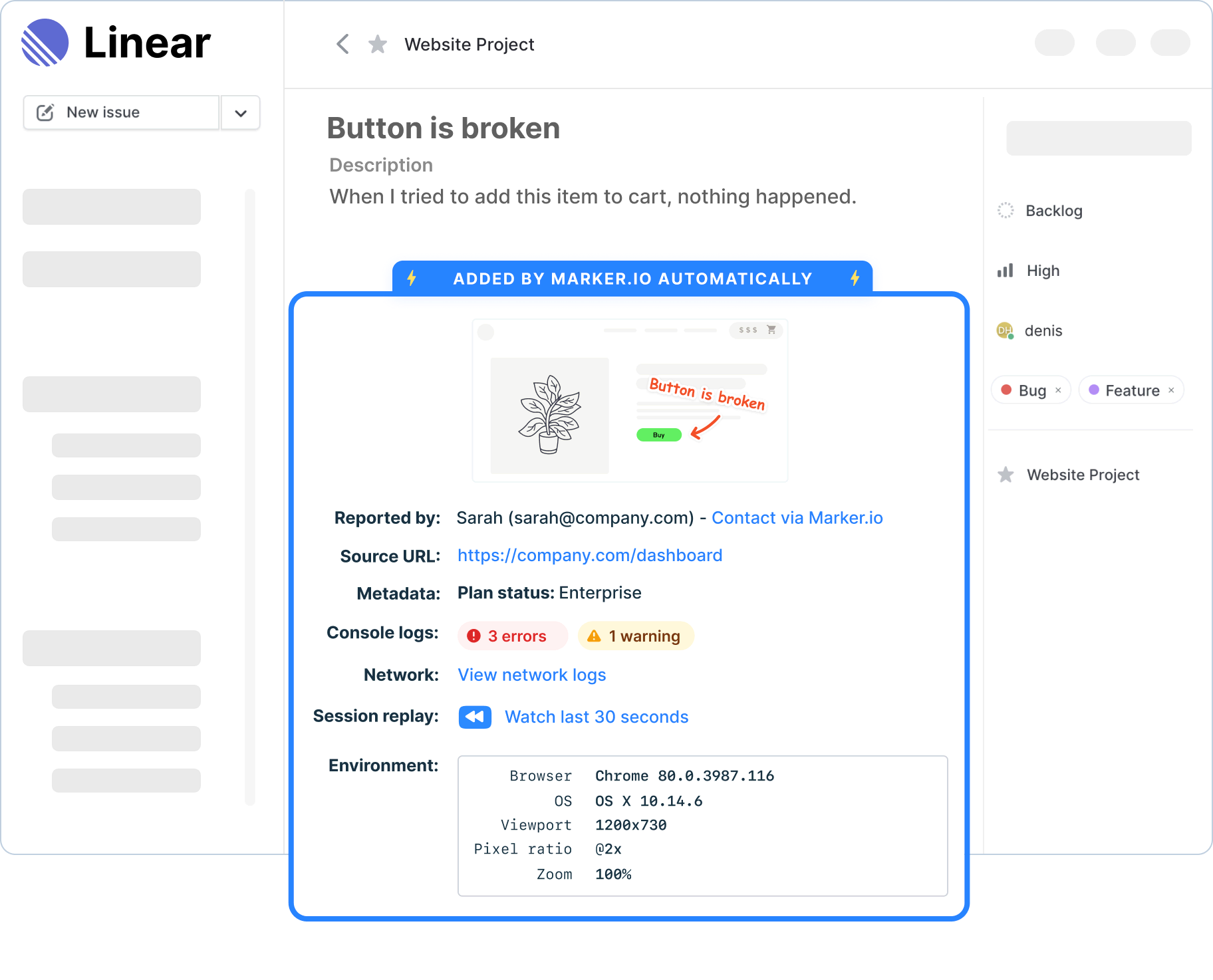
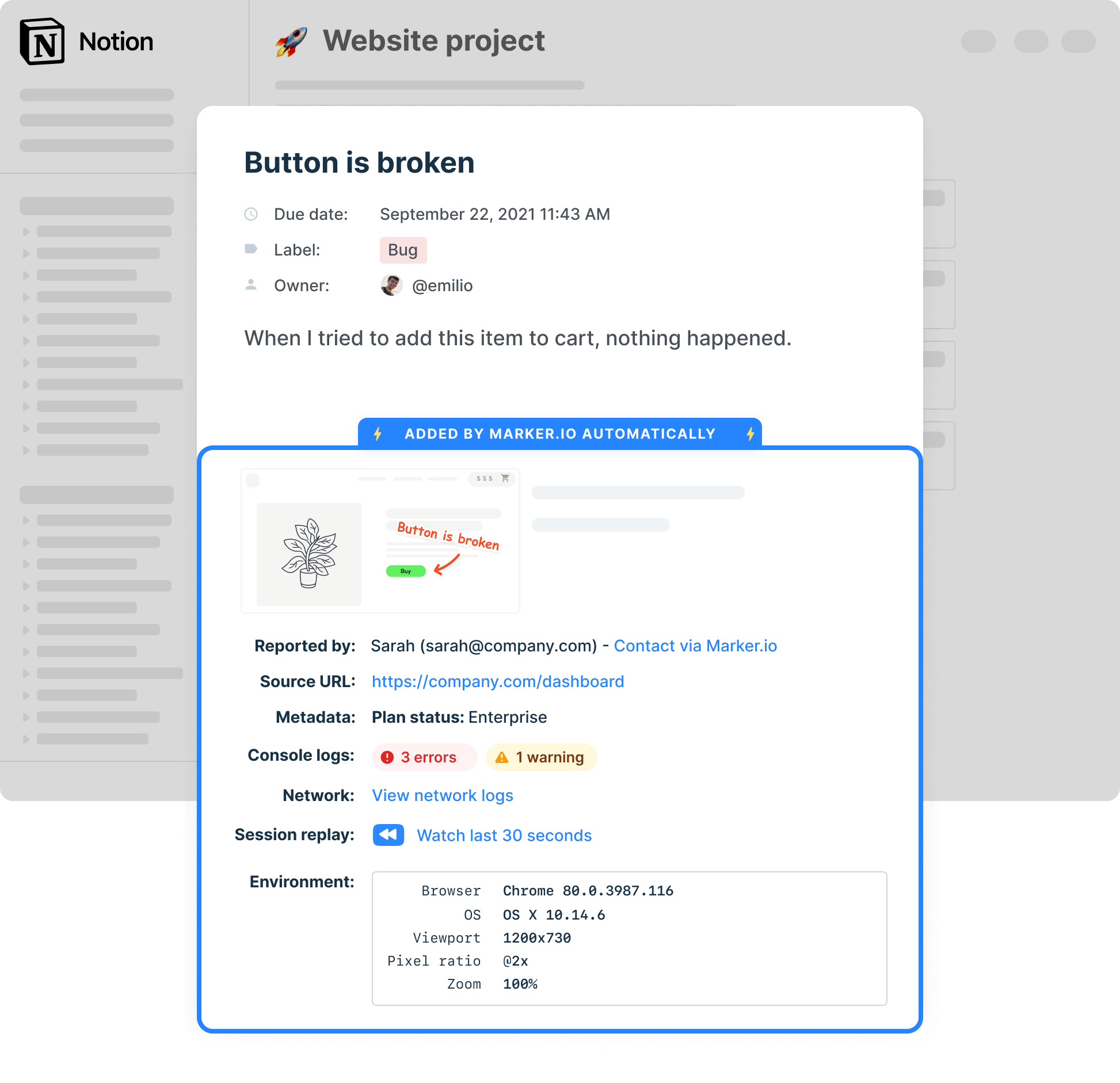
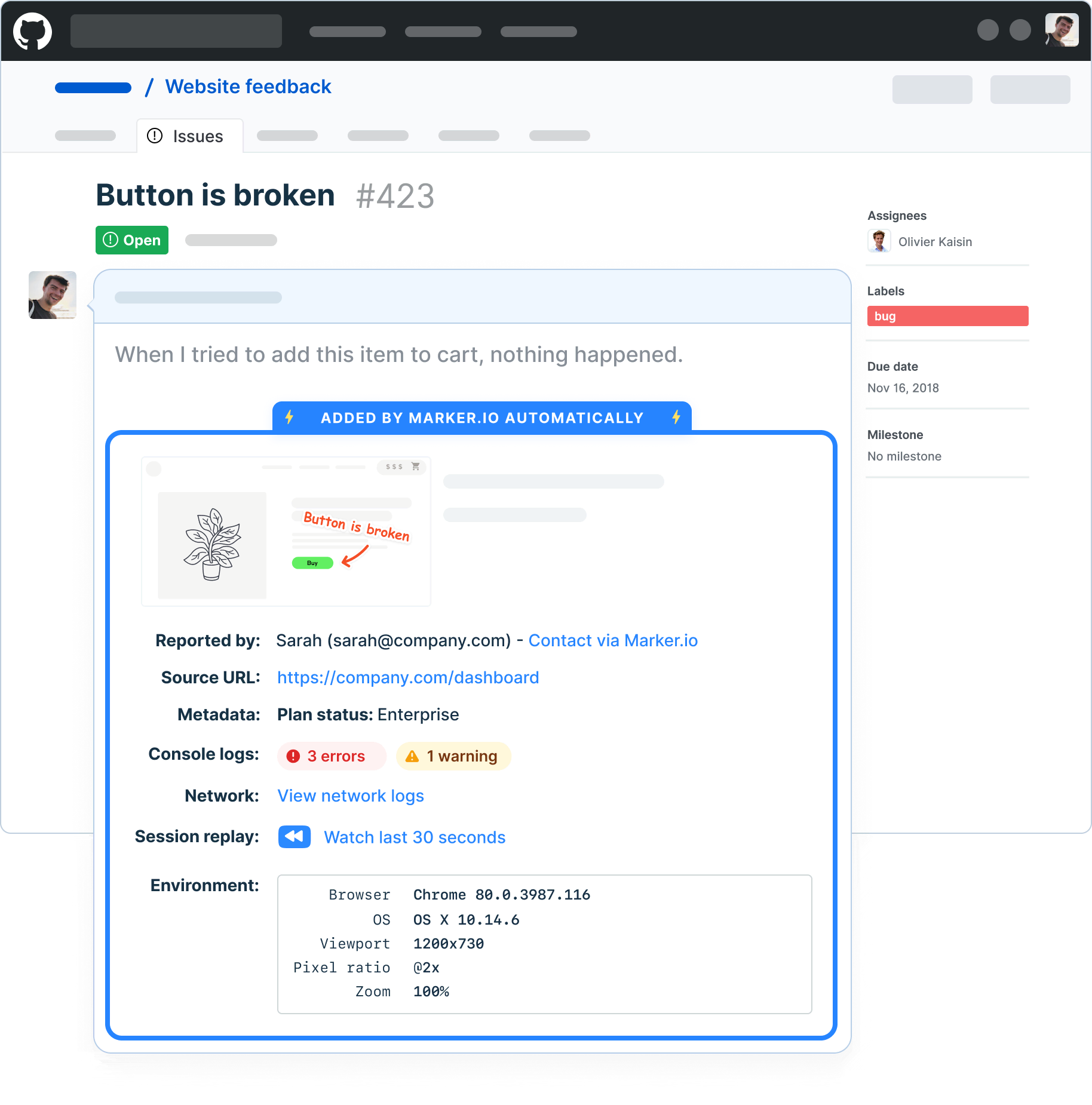
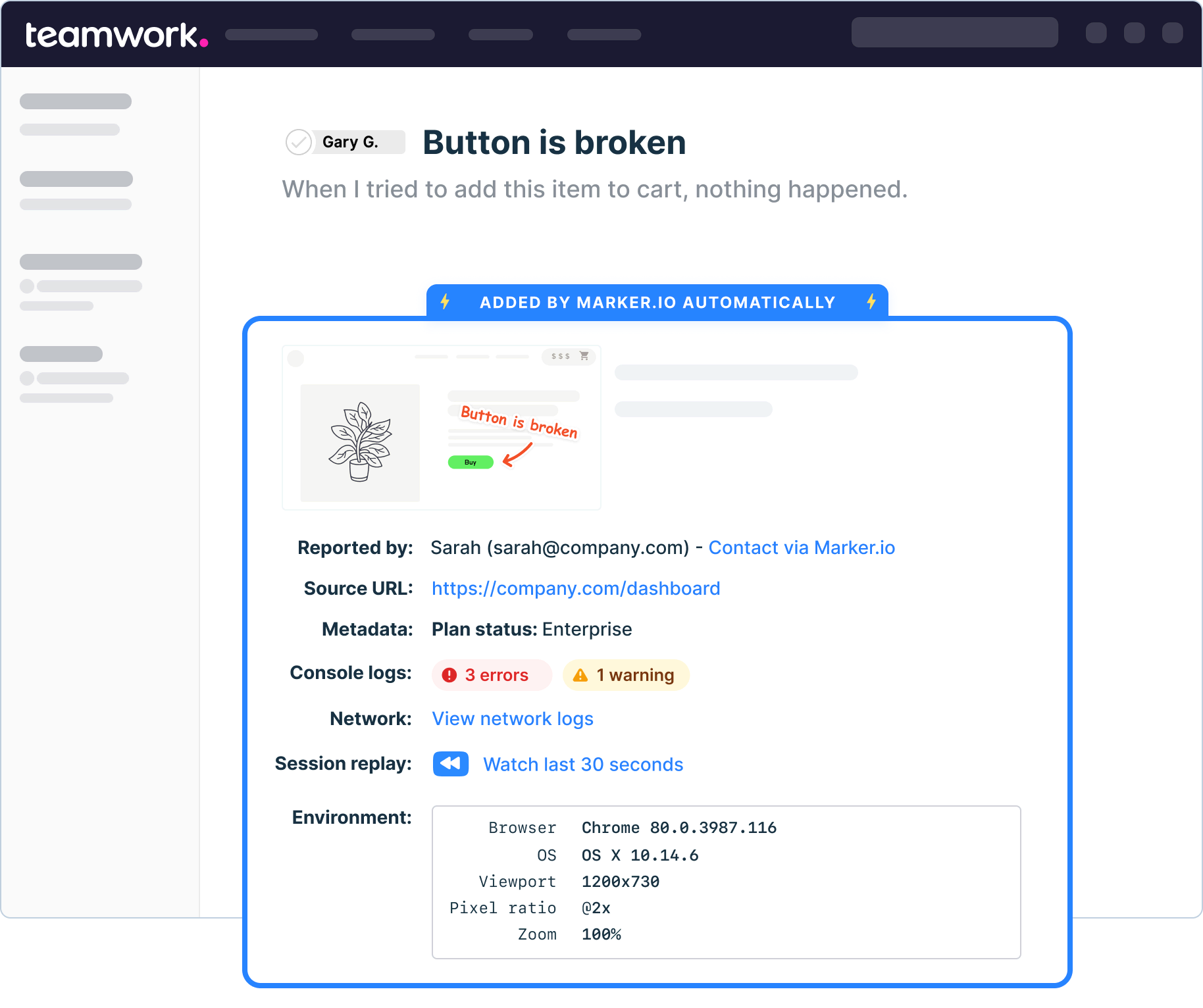
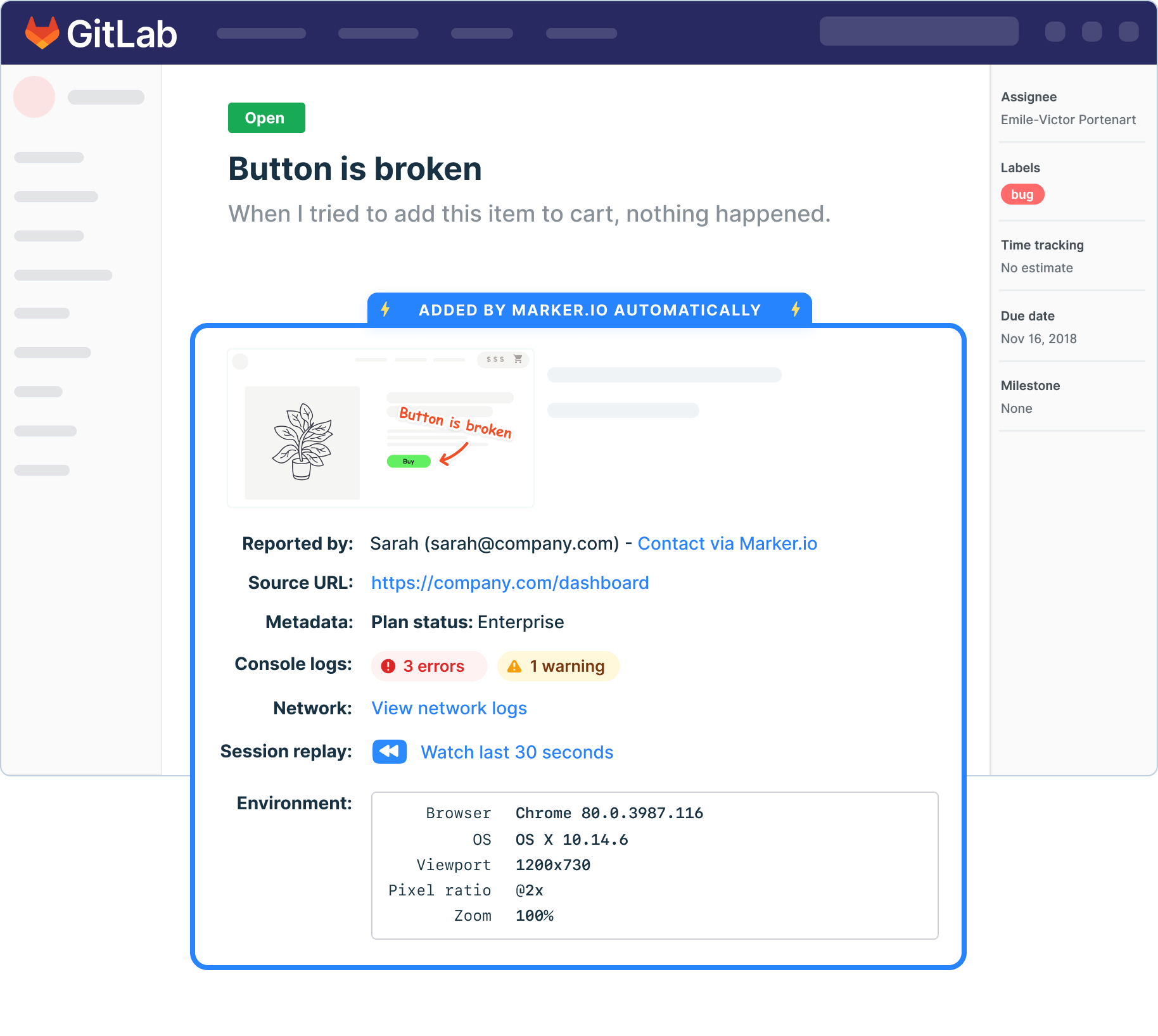
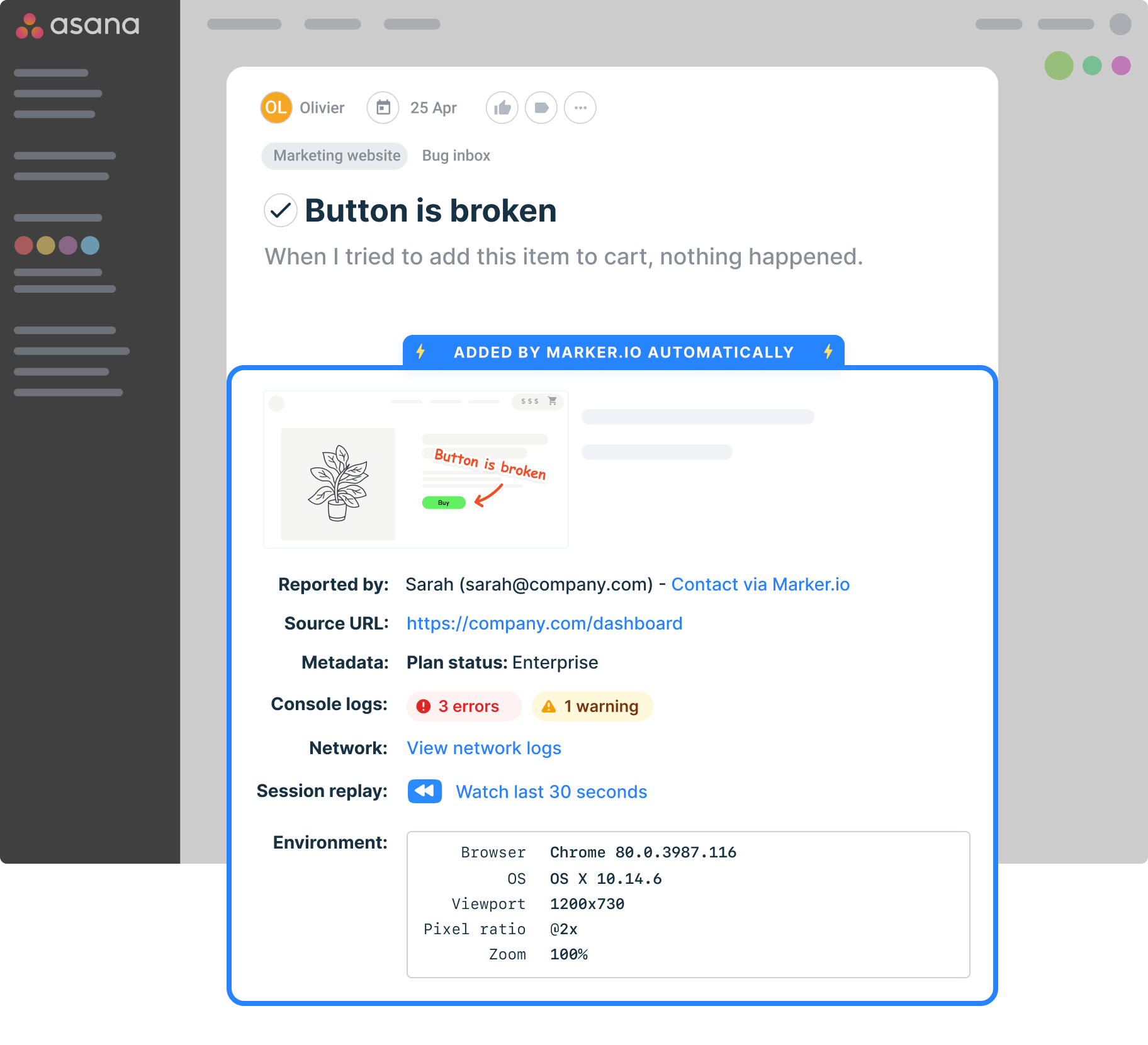
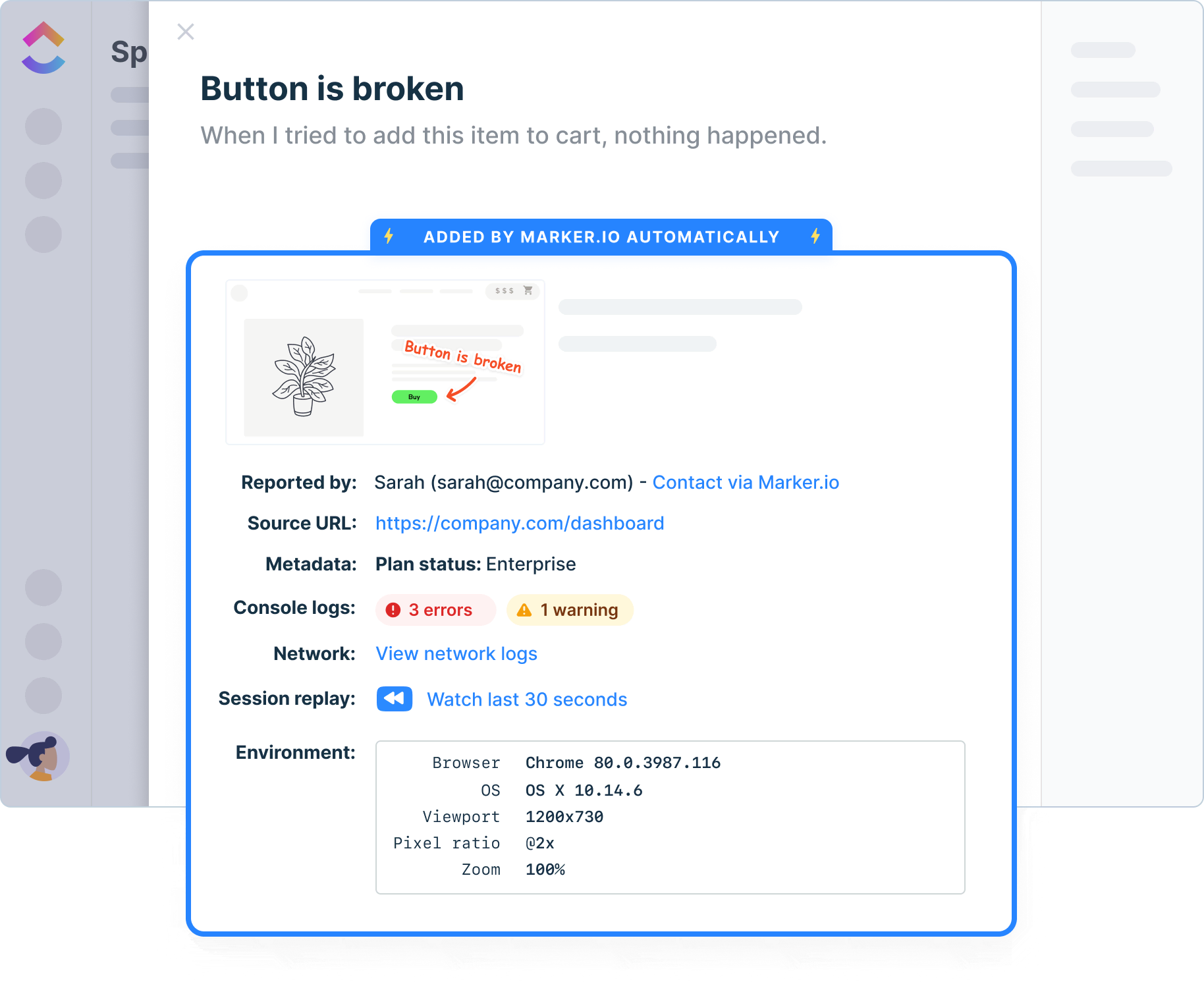
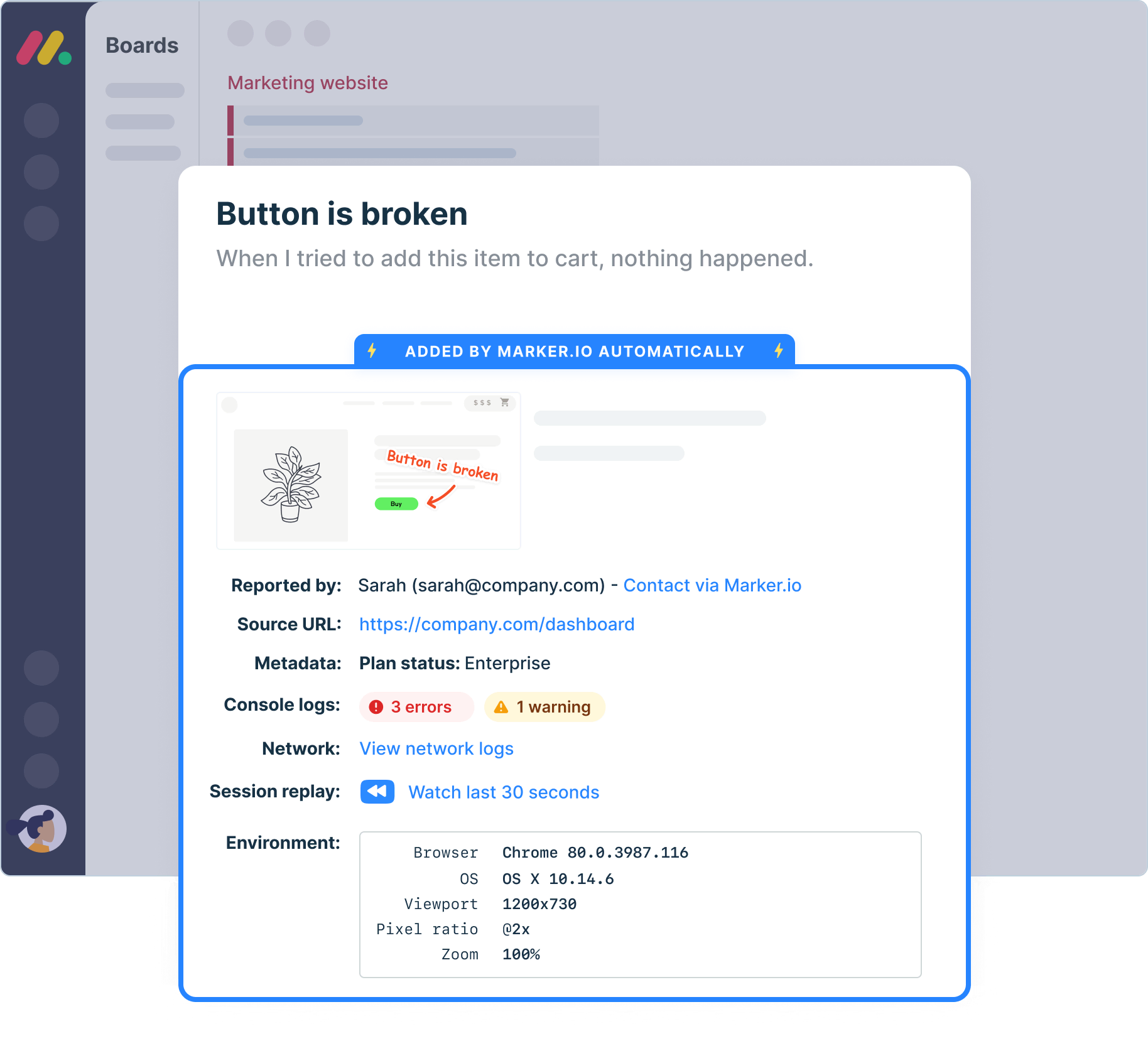

“Our developers can now see bugs through the reporters' eyes, with no information getting lost.”
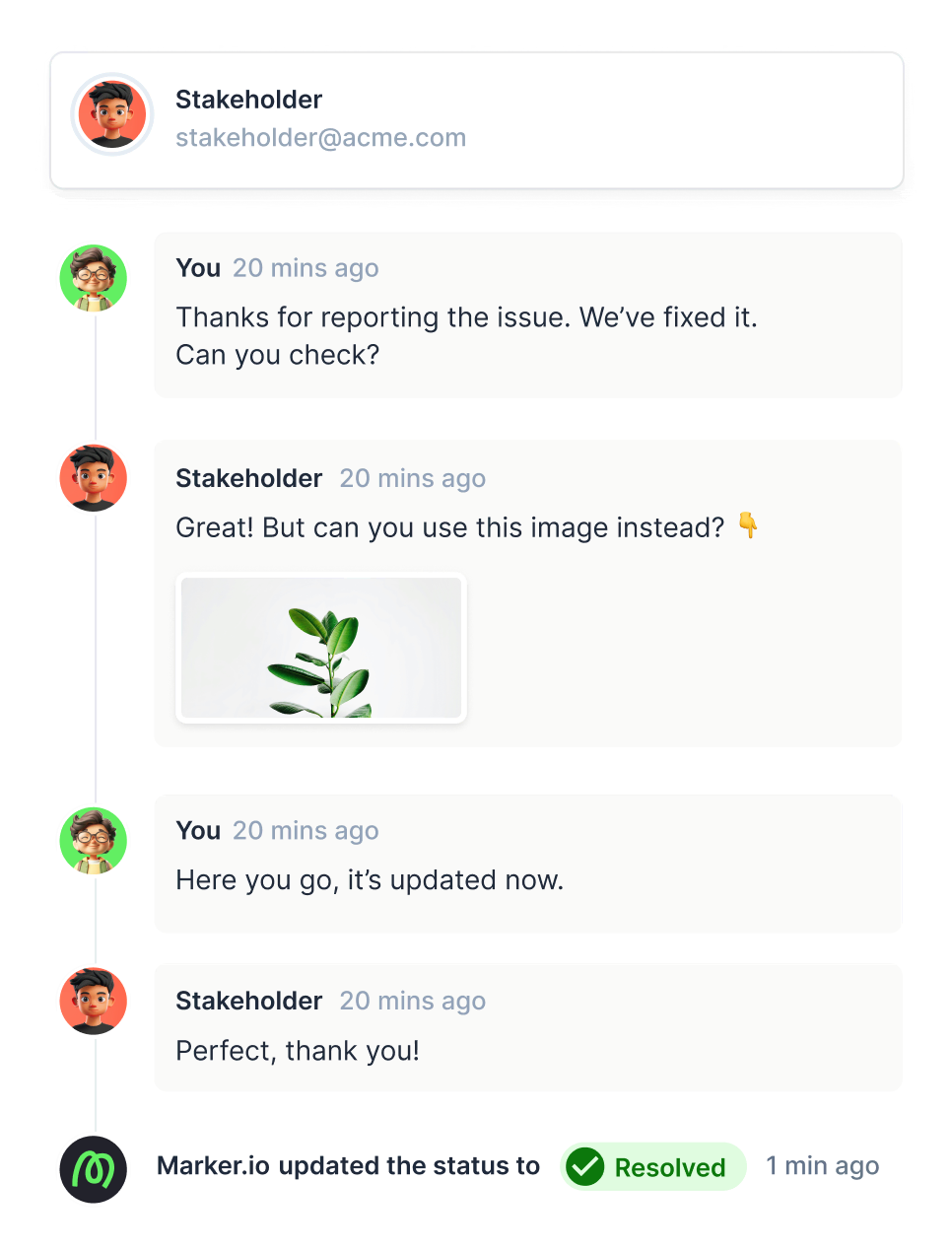
Centralize communication
Keep client and colleague communication organized and stop sending emails. All communication will be synced back into your favorite issue tracker, so you can manage feedback in one tool.
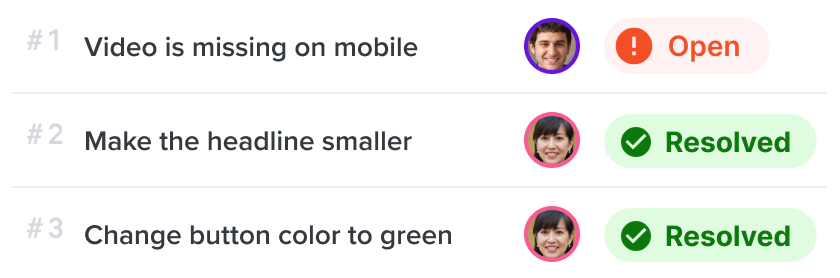
Guest portal
Give your clients, external reporters, and other stakeholders an overview of previously reported issues, without giving them a full account.
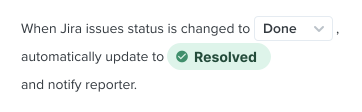
Automatic status-sync
Notify guests automatically when your developer closes an issue in your project management tool.
Testing environments
Report issues directly from your staging or UAT environments.
Technical details
Auto-capture metadata, screenshots, and technical logs.
Network logs
Capture and view network logs on bugs reported via the widget.
Environment data
Browser, OS, webpage and screen size are automatically added to your issues, without reporters having to do anything.
Javascript SDK
Take control of the widget via JavaScript SDK and pass custom metadata about your users or technical environment.
Get clearer feedback, powered by AI
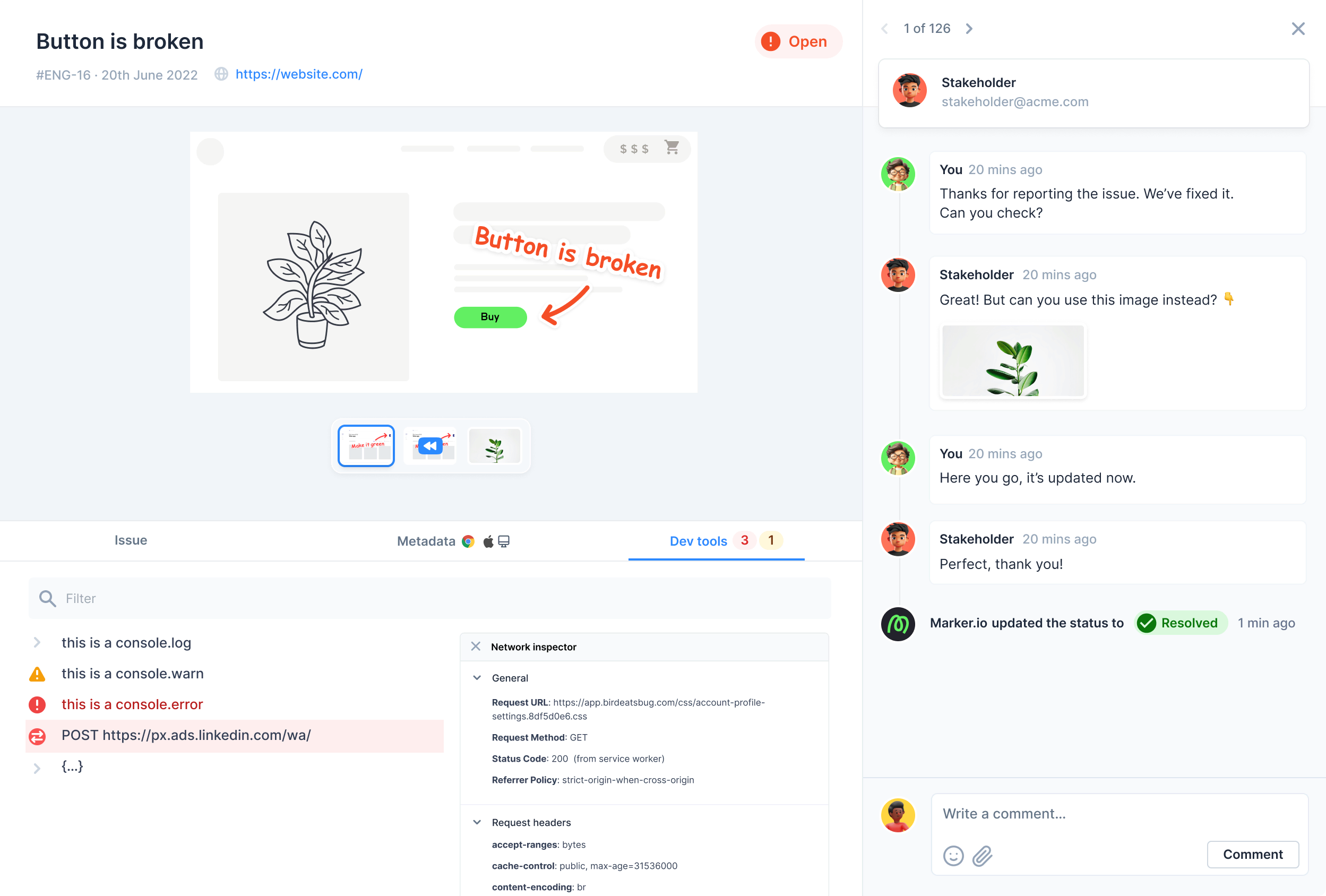
Get early access to AI tools that cut the time you spend on every website issue. Turn raw feedback into structured input, generate clear issue titles instantly, and keep global teams aligned with automatic translations.
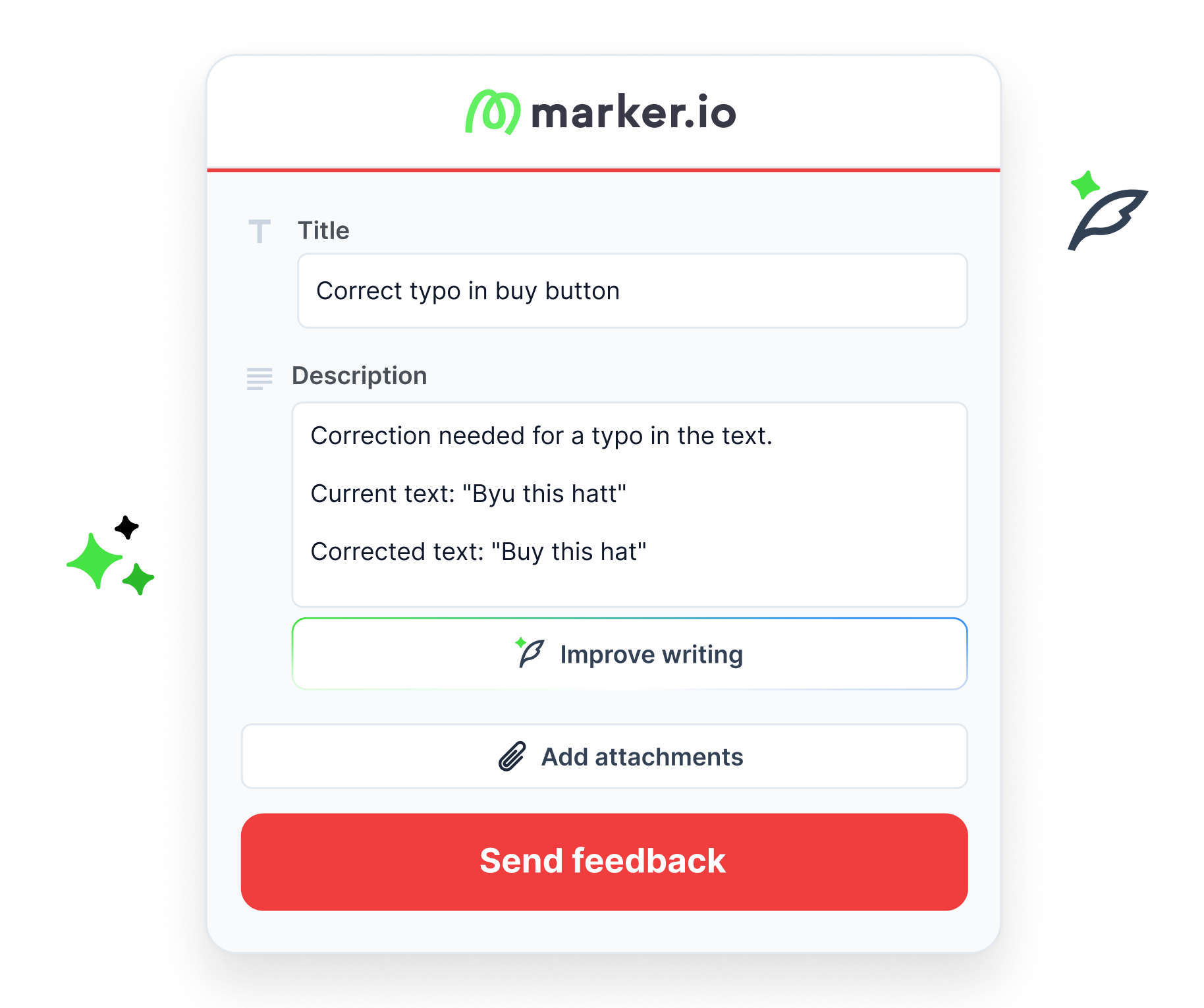
Travel back in time
Rewind and watch what clients did before submitting feedback.

“I love that we get a video of exactly what happened to our users”

Collect website issues in your source of truth
Don't ask your devs to adopt a new tool. Make sure all feedback arrives directly where your devs work, with all the information they need to reproduce.
Get insights into console errors
Give all the information your devs need when reviewing websites to easily reproduce the issue and understand the feedback.
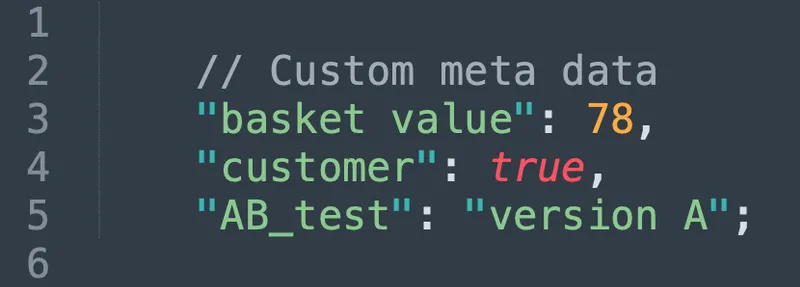
Understand who is sending feedback
Use custom metadata to get more insights into your users and reporters, so you can document who’s using the tool on your team to give visual feedback.
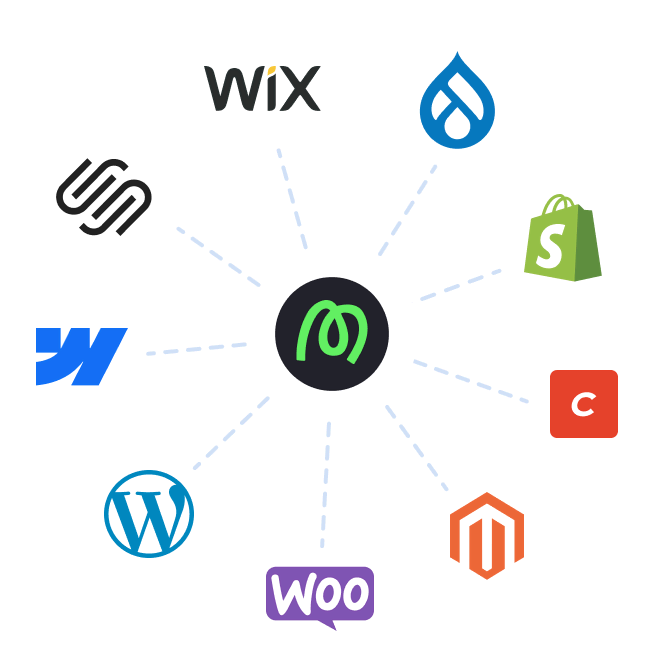
Deploy Marker in your favorite CMS
Marker.io can easily be installed on all existing CMS and can be integrated with other tools, including project management solutions.

Report from any device
Collect feedback from your clients on mobile, table or their desktop, so they can leave feedback in a way that suits them.
Frequently Asked Questions
What is a website annotation tool?
A website annotation tool allows users to annotate web pages and web applications directly in the browser, instead of sending separate screenshots over a separate communication platform. You open a page or live website, click a button or feedback widget, and then annotate the webpage with comments, highlights and other notes.
These tools help turn abstract website feedback into visual feedback, providing clear context to developers and designers so they can understand it in terms of what’s on the page.
A good website annotation tool captures contextual feedback: which page you were on, the browser and device, and sometimes more detailed information like console errors, which makes reviewing websites and debugging smoother for everyone on the team.
Because the annotation happens right on live sites on those in production, you don’t need specific technical skills to provide feedback – users just click, take a screenshot, annotate it, and share their feedback.
What is the best website annotation tool?
There isn’t one website annotation tool that works for everyone; the right annotation tool depends on your feedback process, your industry, your existing tech stack and your budget.
Some teams benefit from deep collaboration features with tight links to their existing project management tools – for example pushing website feedback into a kanban board or syncing comments into a project management tool. Others get more from simpler tools where users only need to be able to open a browser extension, annotate, and share a link.
You’ll want to compare integrations, how people capture feedback, automation and AI features, collaboration and stakeholder management solutions and, of course, pricing and plans
Many tools offer a free trial or free plan, a starter level, and a premium plan for when you grow to the next stage.
Why should you choose Marker.io?
Marker.io is particularly strong if you want one tool focused on website annotation across live sites and those in production, with the option to install a feedback widget and a Chrome extension to capture contextual feedback and send it straight into project management tools.
It’s built for web development teams and developers who need annotated screenshots, smart annotations, session replay and two-way integrations with their existing workflow, rather than a generic markup hero–style tool for static files only.
How do I get started with Marker.io’s website annotation tool?
1. Sign up and pick a plan: Sign up for a Marker.io account, start on a free trial on our basic plan, and upgrade to a premium plan later if you need more projects, users, pages, or advanced collaboration features.
2. Install the widget or browser extension: Add a lightweight script tag or JavaScript SDK to your website so the feedback widget appears on live sites, proxy version environments, and staging web pages, or install the Chrome extension to start annotating any web page or web applications without needing to use code.
3. Connect your project management tools: Link Marker.io to your existing project management tools so website feedback flows into the right workflows.
4. Invite your team and collaborators: Invite your team, developers, clients, students and other users so everyone can provide feedback, share ideas and comment directly on the page.
Get started now
Free 15-day trial • No credit card required • Cancel anytime