
Introducing AI translation (beta)
We're launching AI Translation, a new feature that automatically translates issue titles and descriptions so reporters can write in their native language.


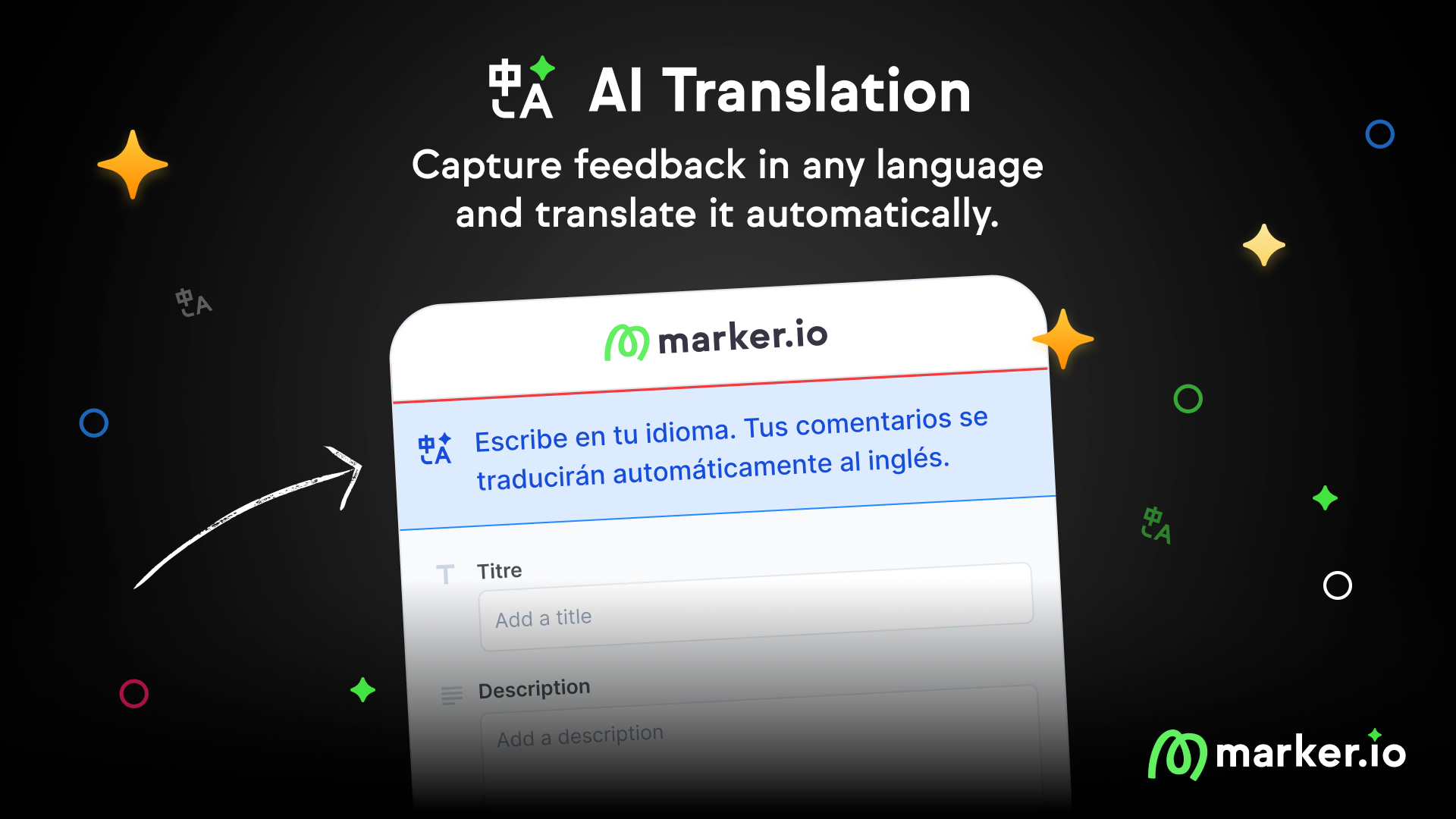
Let reporters write in their native language
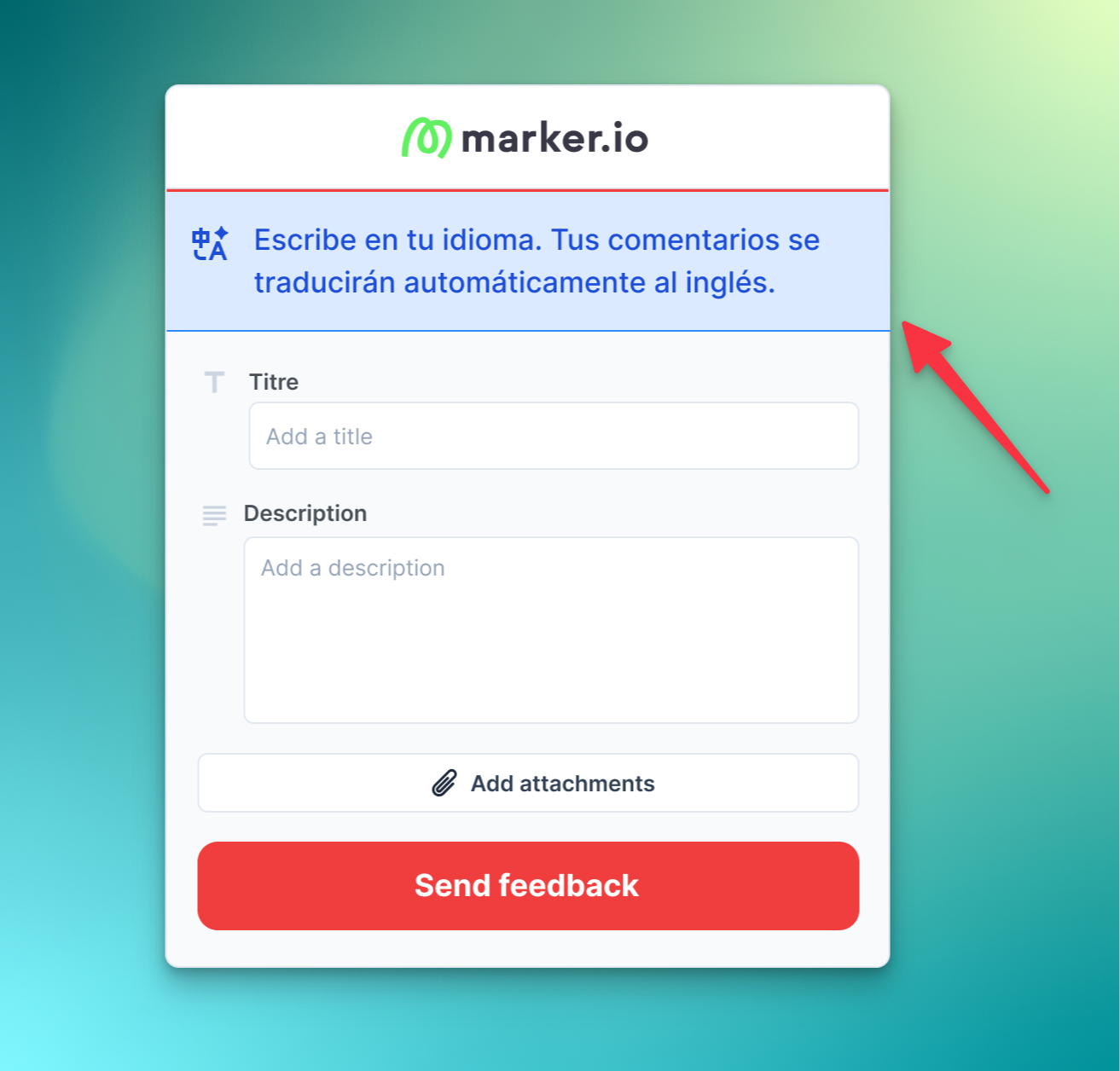
Teams with international reporters often get less detailed feedback because reporters struggle to express themselves in a language that isn't their own. AI Translation solves this.
Now, reporters can submit feedback in their native language, and Marker will automatically translate it for your team.
What's new
- Automatic language detection: Marker detects the reporter's language automatically
- Instant translation: Issue titles and descriptions are translated before reaching your integration
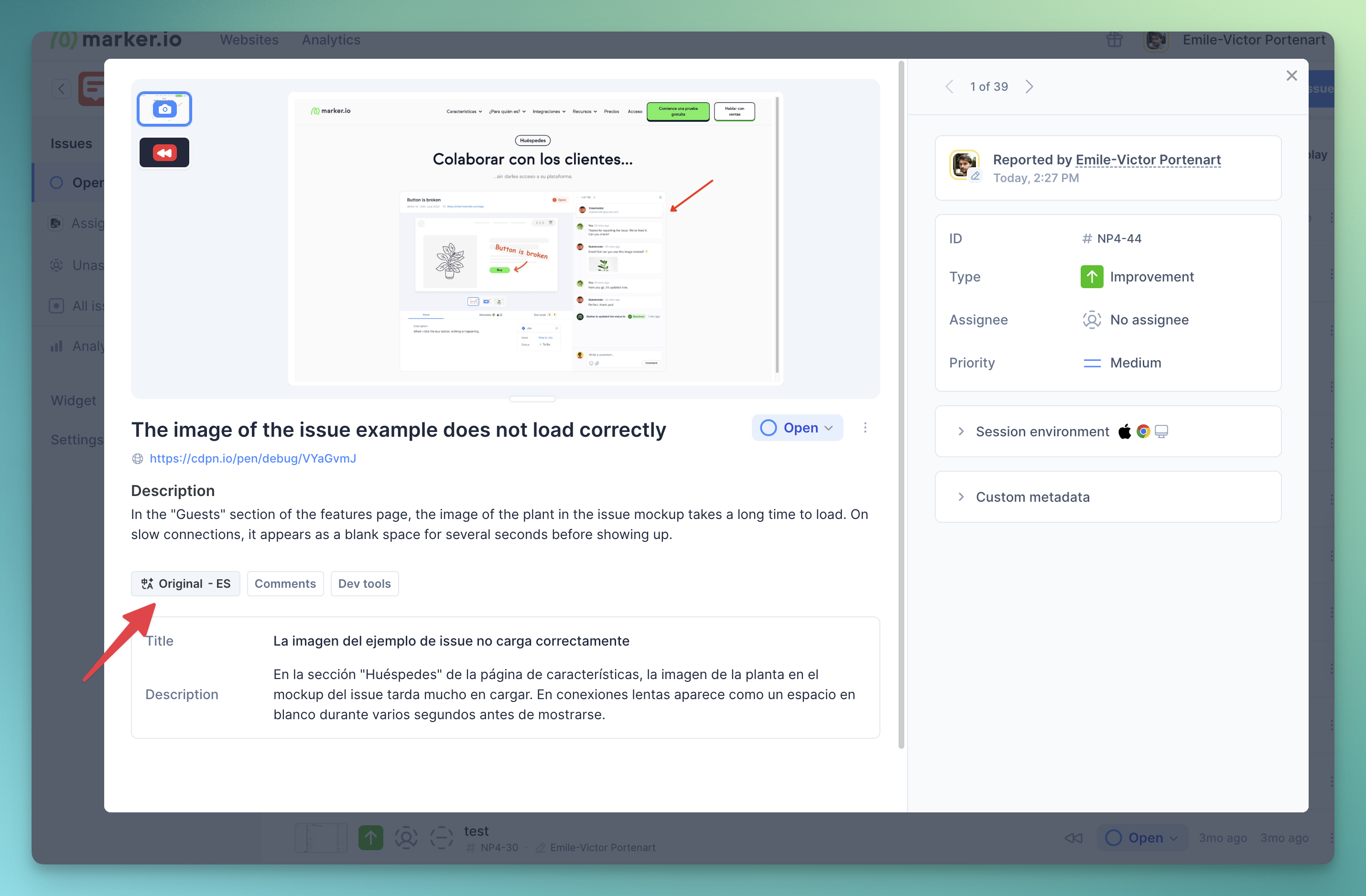
- Original content preserved: View the original text anytime in Marker
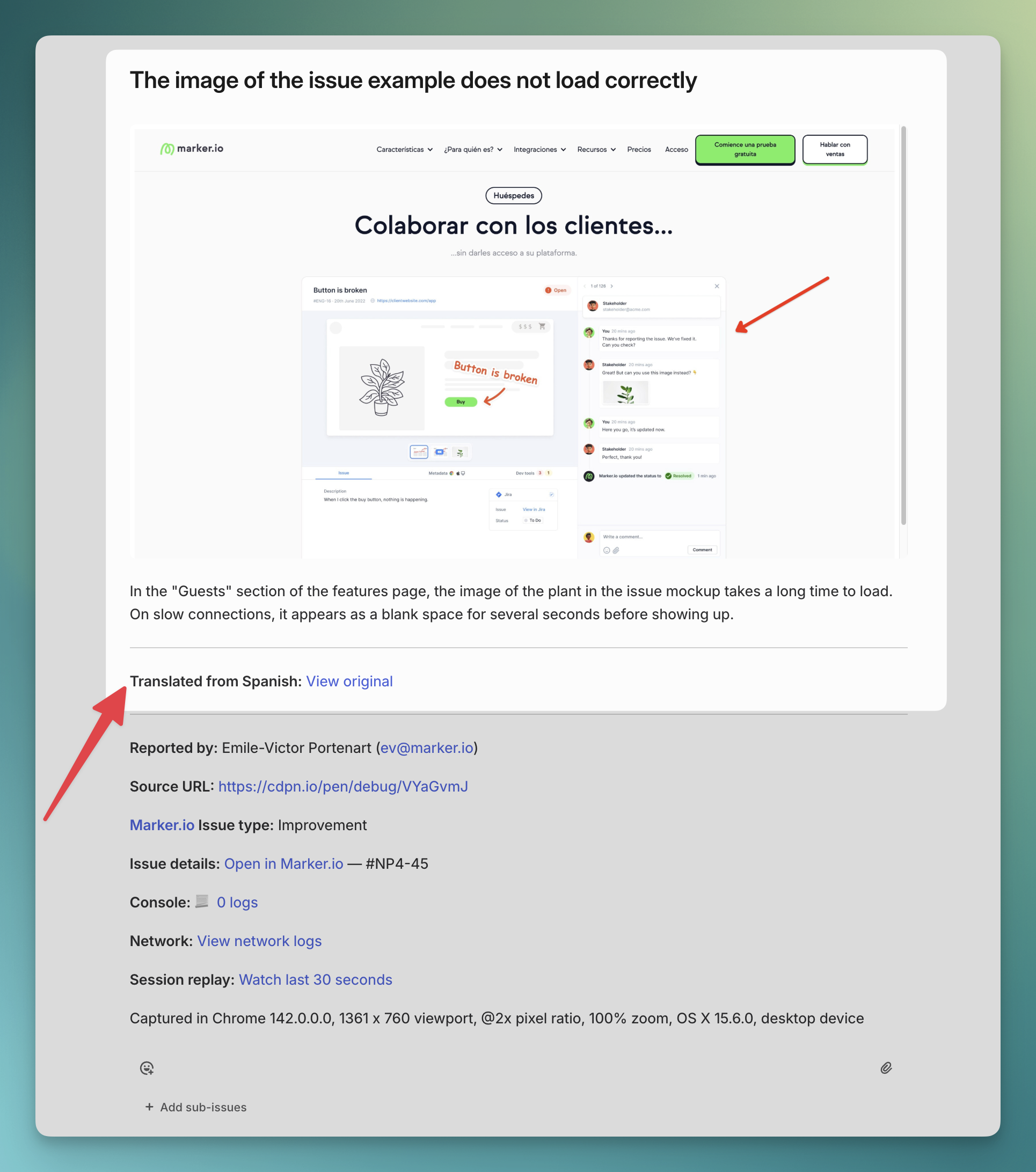
- Integration support: Translated issues are sent directly to Jira, Linear, Asana, and all other integrations
Supported languages
Reporter languages: Reporters can submit feedback in any of 200+ languages. However, translation quality is optimized for the five team languages listed below. Results may vary for other languages.
Team languages: Your team can receive translations in English, Spanish, French, Dutch, or Polish. More languages will be added in future updates. Contact us to add your team language.
How to enable
The feature is currently in beta and free for all users. Apply for the beta for the feature to be enabled.
Once the beta feature is enabled by Marker.io, follow these steps:
- Go to your Dashboard > Website's Project > Settings
- Navigate to AI
- Enable AI Translation
- Select your team's language
Pricing
AI Translation is free during the beta. Pricing will be announced when the feature exits beta.
Links
What should I do now?
Here are three ways you can continue your journey towards delivering bug-free websites:
Check out Marker.io and its features in action.
Read Next-Gen QA: How Companies Can Save Up To $125,000 A Year by adopting better bug reporting and resolution practices (no e-mail required).
Follow us on LinkedIn, YouTube, and X (Twitter) for bite-sized insights on all things QA testing, software development, bug resolution, and more.
Emile-Victor Portenart
Emile-Victor is Marker.io's CPO. Passionate about design and film photography.

Frequently Asked Questions
What is Marker.io?
Who is Marker.io for?
It’s perfect for agencies and software development teams who need to collect client and internal feedback during development, or user feedback on live websites.
How easy is it to set up?
Embed a few lines of code on your website and start collecting client feedback with screenshots, annotations & advanced technical meta-data! We also have a no-code WordPress plugin and a browser extension.
Will Marker.io slow down my website?
No, it won't.
The Marker.io script is engineered to run entirely in the background and should never cause your site to perform slowly.
Do clients need an account to send feedback?
No, anyone can submit feedback and send comments without an account.
How much does it cost?
Plans start as low as $39 per month. Each plan comes with a 15-day free trial. For more information, check out the pricing page.
Get started now
Free 15-day trial • No credit card required • Cancel anytime